
What Is an AI Model Gateway (and Why You Need One)
An AI model gateway gives you one API, one bill, and automatic routing across every frontier LLM. Here is how it works and when to adopt one.
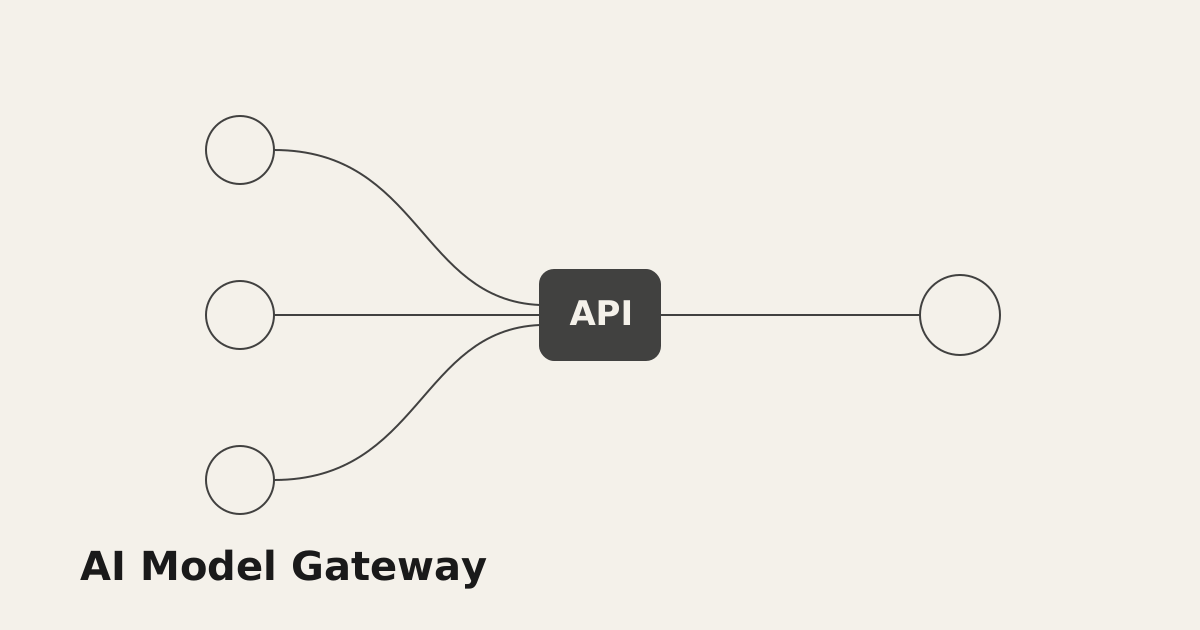
If your product calls more than one large language model, you have probably felt the pain: separate SDKs, separate keys, separate dashboards, and separate billing for OpenAI, Anthropic, Google, and a dozen others. An AI model gateway solves this by putting a single, uniform layer in front of every provider.
What a model gateway actually does
A gateway sits between your application and the underlying model providers. Instead of talking to five vendors, your code talks to one endpoint that speaks the OpenAI-compatible Chat Completions schema.
- One API key for every model, across every vendor.
- One bill with per-request cost and token accounting.
- Automatic routing by price, latency, capability, or region.
- Instant failover when a provider returns a 429 or 503.
Why teams adopt one
Switching a model should be a one-line change, not a refactor. With ModGate you prefix the model with a vendor and you are done:
curl https://api.modgat.com/v1/chat/completions \
  -H "Authorization: Bearer $MODGATE_KEY" \
  -d '{
    "model": "claude-4.5-sonnet",
    "messages": [{ "role": "user", "content": "Summarize this contract." }]
  }'
Want the cheapest qualified model instead of a fixed one? Ask the gateway to pick:
{ "model": "auto", "route": { "max_cost": 0.002 } }
When you should use a gateway
You will benefit from a gateway as soon as any of these are true:
- You call two or more providers in production.
- You care about cost control and want spend caps and alerts.
- You need resilience — a single provider outage should not take you down.
- You run evals or A/B tests and want to compare models on the same prompt.
Next steps
Ready to try it? Create an API key and make your first request in under a minute with our Quickstart. Then browse the full model catalog to see everything you can route to.